The Man in the Middle Saves the Day
· 3 min read

When you're building a mobile app that relies on API calls, and the backend is still under development, you can't just sit around twiddling your thumbs.
You still need to move fast. That's where a proxy tool steps in, it lets you develop without depending on backend readiness.
Most developers try tools like Proxyman or Charles Proxy. They work, but key features sit behind a paywall.
For a more flexible, scriptable and open source solution, look at MITMProxy (Man In The Middle Proxy).
with MITMProxy, you can:
- Mock unlimited API calls
- Script complex traffic manipulation with Python
- Target only your app's traffic, leaving others untouched
- Interact using customizable Vim key bindings
Getting Started#
Installation steps may change over time.
Therefore, refer to the official installation guide for the up-to-date instructions.
Intercepting Traffic#
Once installed, start MITMProxy from your terminal:
$ mitmproxy
If some APIs fail due to unverified server certificates, run with --ssl-insecure.
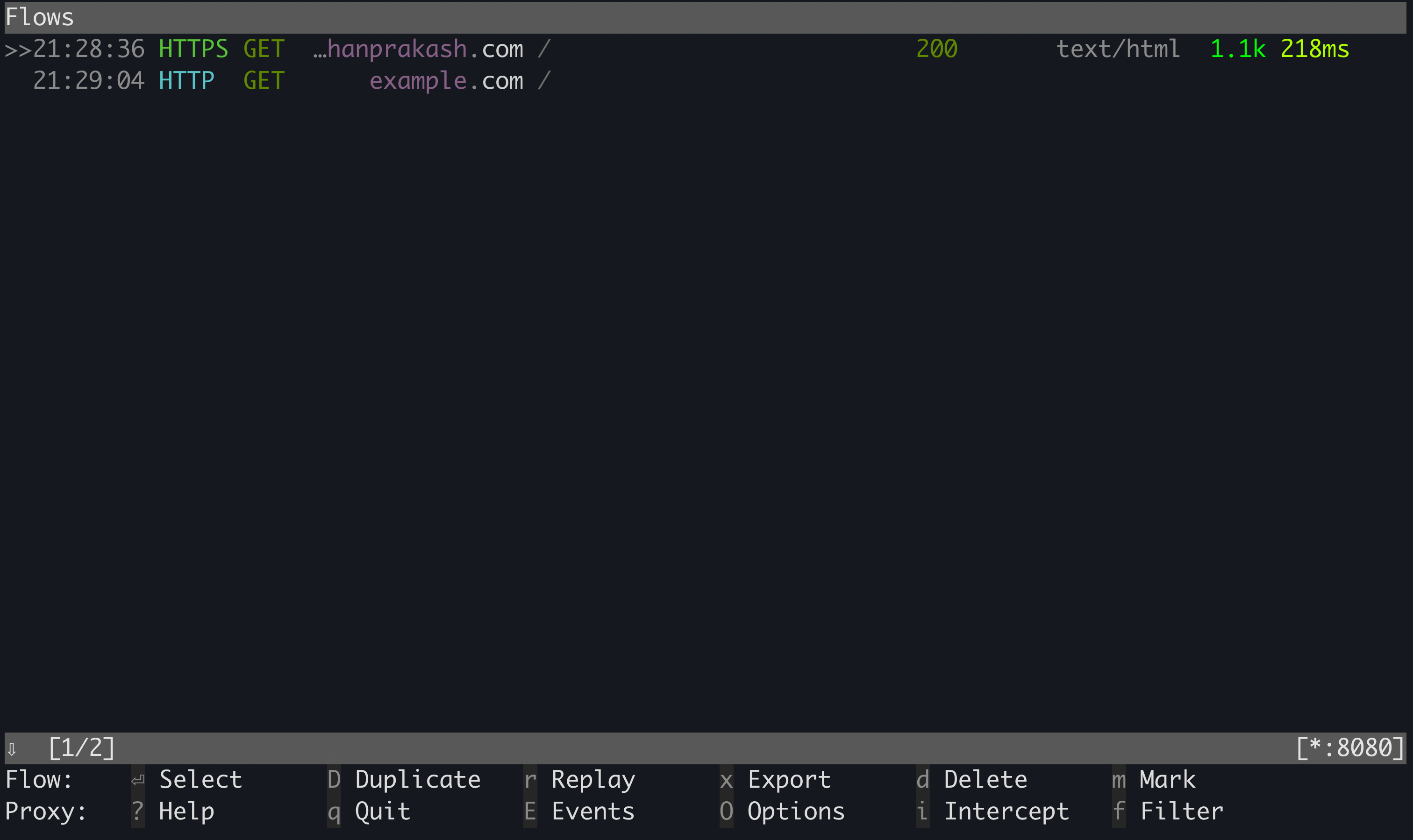
If configured correctly, you'll see traffic flows streaming in.
Interacting with Network Flows#
If you know vim, you're already halfway there. MitmProxy uses familiar keys:
- 'k' and 'j' to move up and down.
- 'h' and 'l' to move left and right.
- 'return' to select.
- '/' to search.
- 'f' to apply filter.
Use shift+k to view all the key bindings.
Modifying Requests and Responses#
MitmProxy lets you intercept and rewrite traffic using its Addon Mechanism.
Here's a simple addon that injects a custom response header:
MitmProxy automatically loads the addons you define. Each method hooks into a specific event.
Mocking Response using Scripts#
Sometimes mocking takes longer than coding the actual feature. I felt that pain too.
To save time, I wrote a Python script that maps endpoints to mock response files, and the response changes instantly.
You can check it out here: Github Repo.
Or, roll your own scripts to match your needs.
Updating Base URL#
Need to point an endpoint to a staging environment? Use the request event hook:
In the example above, we’re using the abbreviated scripting syntax, which allows you to define hooks directly without creating a full Addon class.
Exporting Traffic#
You can export flows in multiple formats:
Syntax:
:<export type> <format> <flow> <path to file>
Export types:
export.clip- copy to clipboard.export.file- write to file.
Formats:
- curl
- raw_response
For instance, to copy the curl of the flow you've selected:
:export.clip curl @focus
Final Word#
MitmProxy isn't just a fallback when APIs aren't ready.
It's a powerful tool for experimenting, stress-testing and simulating edge cases you might never hit in staging.
With it, you can validate your app's resilience long before users do.